Cable TV for two kids.
No algorithm.
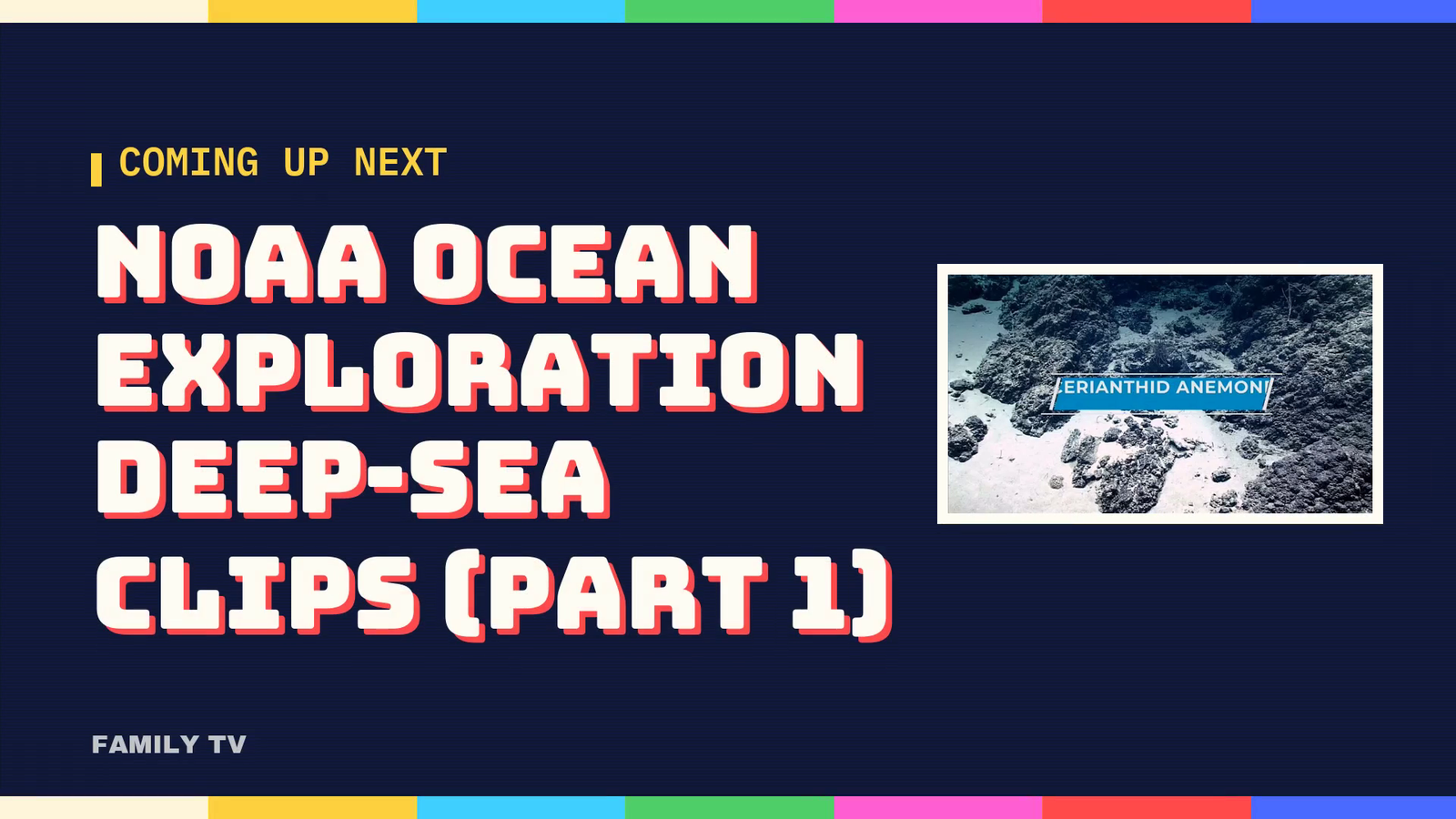
Family TV is a private TV network for my 9-year-old and my 4-year-old. It has themed channels with a scrolling guide, a “coming up next” card before every show, and old commercials in the breaks, all running on a refurbished mini PC. The shelf of old films, cartoons and commercials is all public domain or openly licensed, checked title by title. The goal is simple: they stop asking for YouTube Kids.
This build is about keeping a household service understandable after setup: checking the files and guide, finding what failed, and giving the person holding the remote a way to recover. The checks and failures are documented below. Whether it becomes the TV my kids choose is still an open question.
- Status
- On the living room TV
- Works today
- 11 channels and a checkup on my phone
- Waiting on
- The right tuner, for live PBS
- Record updated
Channels instead of a feed.
My kids don’t need more choices. They need fewer, better ones. A feed always has one more video queued up, and it decides what that video is. A channel just plays what’s on, and somebody who loves them decided what’s on.
So the rules came first. Everything gets a grown-up’s yes. Nothing scary, no mean-girl drama, no YouTube stars. Cartoon action is fine. How-things-are-made shows and kind cooking shows are encouraged. It runs all day and all night, because the 2 AM sick day is real. And the 9-year-old will be the one holding the remote, so it has to make sense to her.
The channels: Wiggle Room for moving around, School Bus for learning, Saturday Morning for cartoons, one channel for each kid, Obsession Station for whatever they can’t stop talking about this month, Night Light for calm, Lunchbox for cooking, and Screensaver for pretty pictures with no sound. Holiday turns itself on the day after Thanksgiving. Birthday TV turns on for a birthday.
Two open-source projects and a control room.
- The libraryJellyfin holds every show and film, the kid accounts and the apps on the TVs.
- The channelsTunarr turns the library into live channels with a real guide that Jellyfin can tune.
- The control roomOur own small app decides what plays where: half-hour blocks, an “up next” card before each new show, breaks filled with old commercials.
- The yesNew shows land in a shared folder, and a parent approves them on a phone, behind a PIN.
The lineup lives in one plain text file, not inside Tunarr, so channels are easy to add and nothing is stuck if a piece gets replaced. Every night at 4 AM the control room rebuilds two days of schedule. It keeps whatever is playing now and the next two hours, so a rebuild never cuts a cartoon off halfway.
The guide on the top of this page is ours too. It runs in any browser, and its retro look is adapted from Nostalgex, an open-source project, with credit.
Free, legal, and checked title by title.
Most “free” video online is free to stream, not free to keep. So the box only gets things that are actually free to copy: films from 1930 or earlier, later films whose copyright was never renewed (with a source for each title), US government films, items the Prelinger Archives itself marks public domain, Creative Commons work from the people who made it, and free stock footage. Nothing pulled from YouTube.
Three research sweeps by a team of AI agents, 18 lanes in all, went through archives like the Internet Archive, NASA, NOAA, the National Park Service, the National Archives, the Library of Congress and Wikimedia Commons. Every item came back with its real file size, the evidence for its rights, and a kid check. The kid check flags the things old film is full of: racist caricatures, wartime propaganda, smoking played for laughs.
The result was a shelf of 1,863 items. I picked what I wanted on a checklist page. The box downloaded the picks overnight straight from the archives, checked every file’s size, and put them on the right channels by itself.
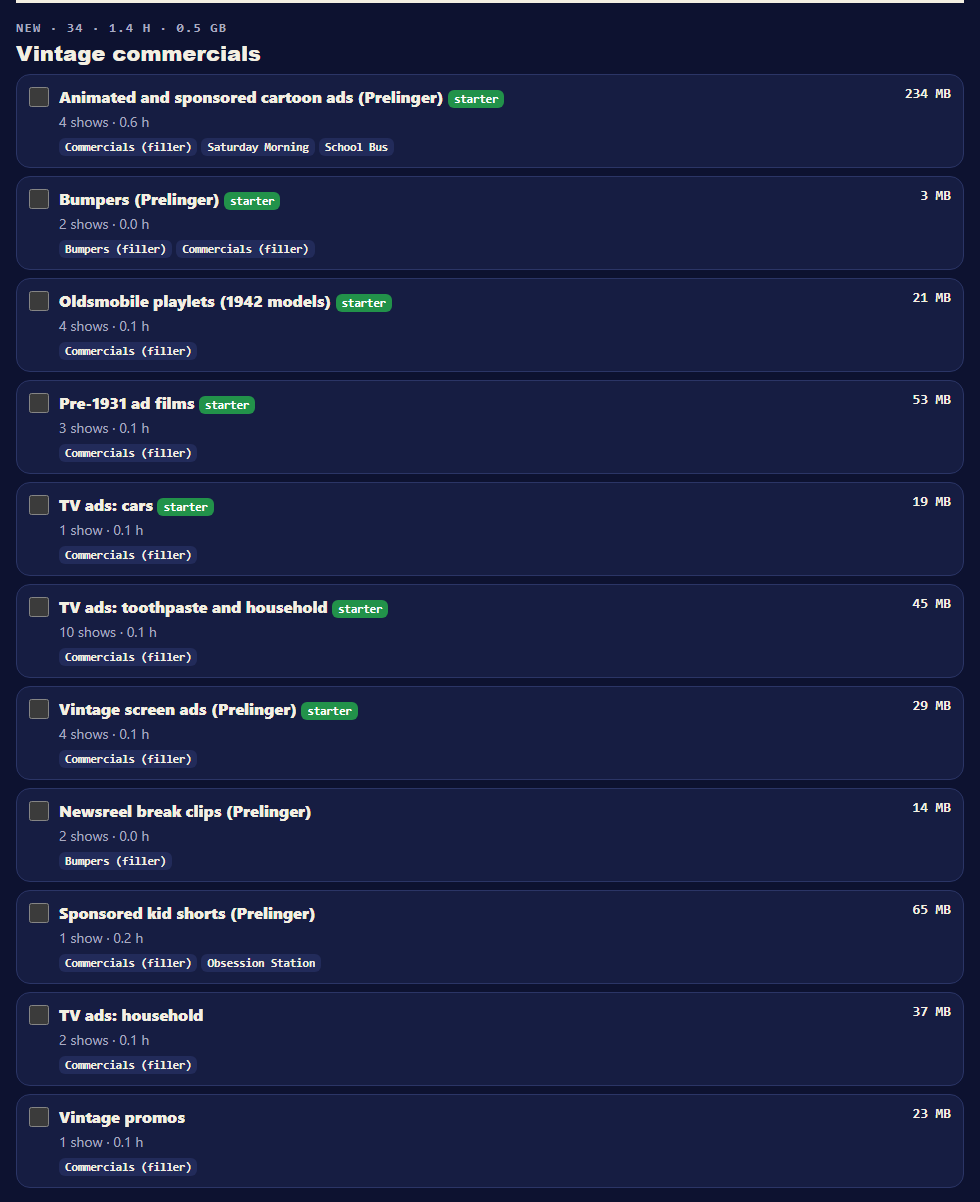
- An uploader saying “public domain” is not evidence. It has to come from a real source for that title.
- No old TV broadcasts taped by fans. Those were broadcast, not given away.
- Every size comes from the real file, so the space budget is honest.
- Short clips are stitched into themed reels of up to 25 minutes, so a 20-second clip never gets its own “up next” card.
- If the family doesn’t like it on the TV, it comes off, and nothing gets deleted: it moves to a rejected folder. So far that’s two shorts with a hiss or a buzz, two Dutch films, four recipe videos in Chinese, a cooking reel with a segment in German, and a 1926 German film that turned up in the breaks.
It should feel like real TV.
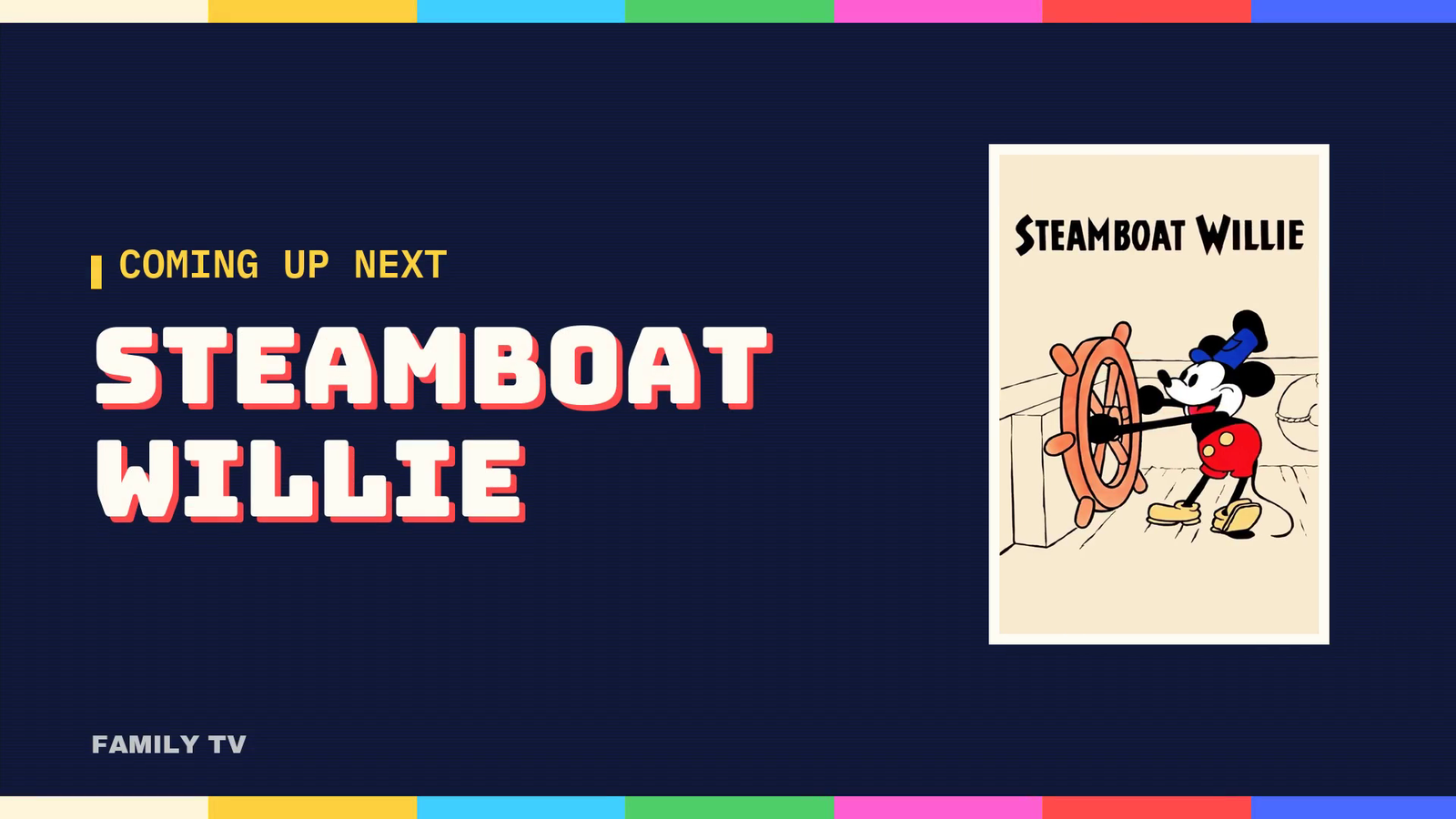
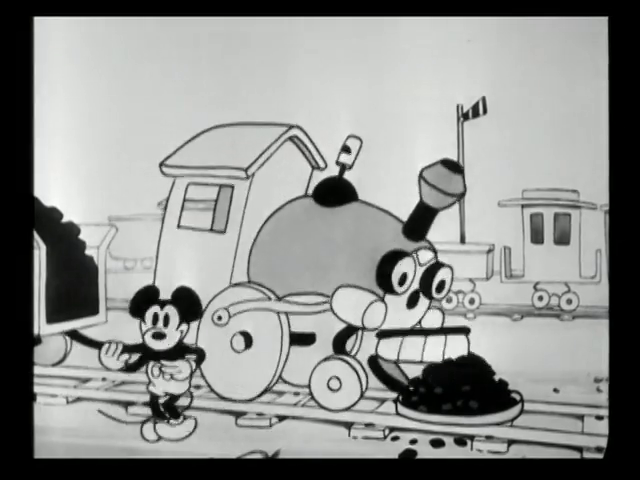
Is the TV OK? Ask the phone.
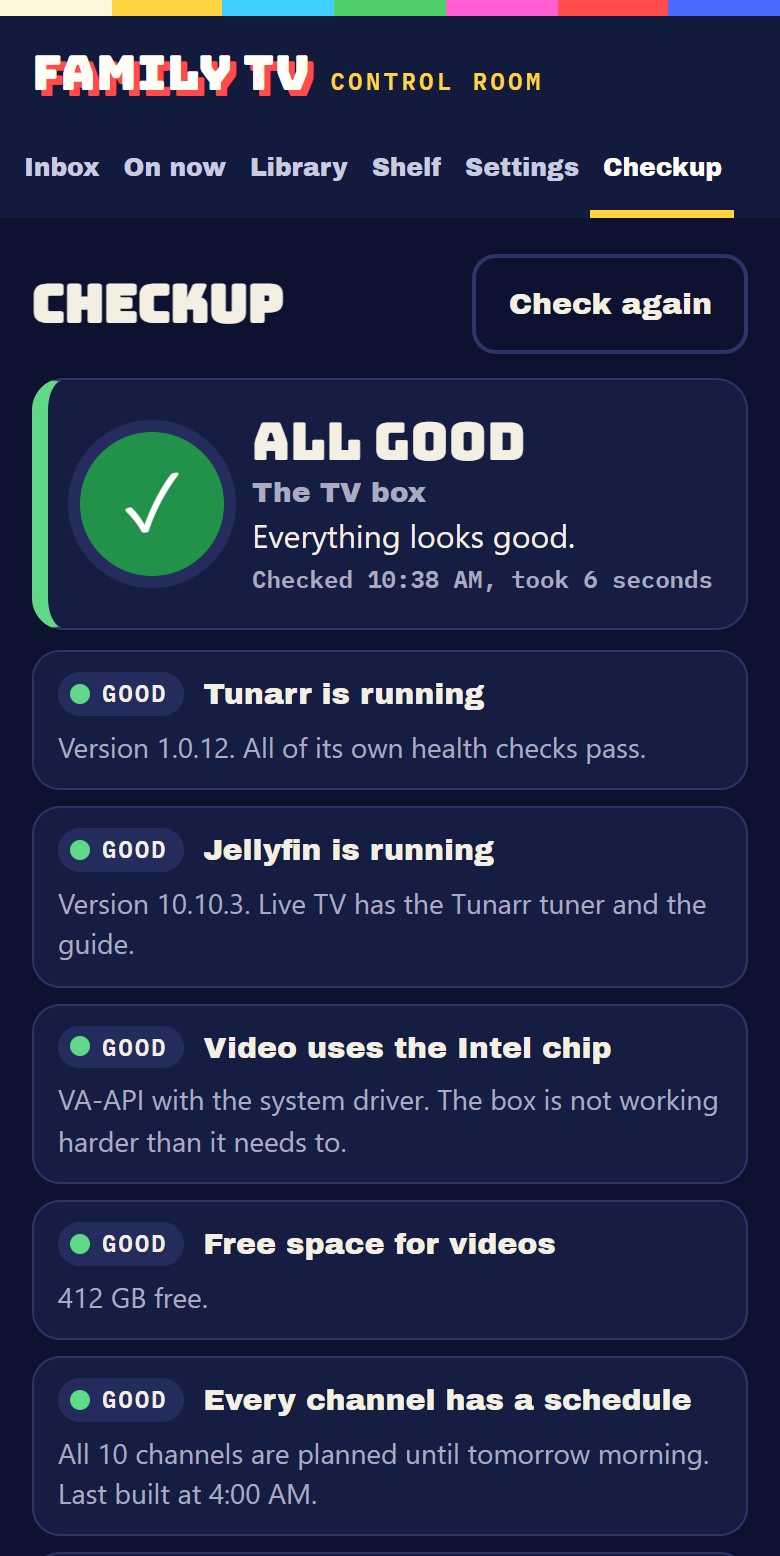
Until now, every problem started the same way: I saw something wrong on the TV and asked Claude to go look. That’s no good when my wife is the one holding the remote. So the control room got a Checkup tab that answers three questions: is the whole box OK, is this one channel OK, and is this one show OK.
The checks give the same answer every time for the same box. The box check looks at the apps, the video chip, the disk, the schedules, the guide, every file the next few hours need, and recent errors, in about two seconds. A channel check can tune the channel in for real and time how long the picture takes. A show check can have the box play a few seconds of it and listen for silence. A sweep of all 690 titles takes about a minute and a half.
Where a fix is safe, it’s a button: restart a stuck channel, refresh the guide, rebuild a channel, take a show off the TV. Restarting the apps, the VPN or the whole box goes through a small helper with a fixed list of jobs, so the page never gets more power than it needs. Every 30 minutes the box checks itself, and the only thing it fixes on its own is an empty guide.
On my phone, and nobody else’s.
The control room installs on my phone like a regular app. It only answers over my own private network, at home or away, behind the parent PIN.
A runbook for the next crew.
The operations guide has about 700 lines of rules and procedures, so Codex can run the box by the same rules Claude does. The handoff needs to preserve the boundaries already described here:
- Use a box, channel or show check to identify the problem before choosing a fix.
- Keep fixes inside the control room’s buttons and the helper’s fixed list of jobs.
- Save a change and read it back. A script finishing is not proof that the change persisted.
- Leave automatic recovery limited to an empty guide. The other fixes wait for a person.
This is a public outline of those operating boundaries. The private guide and the box’s connection details stay private.
What broke, and what fixed it.
- The box wouldn’t boot from the stick. The refurbished PC shipped with USB booting turned off. One setting.
- Setting the parent PIN erased a key. Setup saved Jellyfin’s access key, then the running app saved its own older copy over it, so no channels could build. The installer now restarts the app after setup.
- The video chip sat idle. Tunarr was told to use it, looked for its driver in a folder that doesn’t exist, and quietly fell back to the processor: about 290% of it for one channel. After the fix, under 20%.
- The VPN knocked the box off my remote network. Its routing rules jumped ahead of the remote-access rules. Two rules put them back in order, and setup now checks for them.
- The guide said “No program data available.” I saw it on the TV. Jellyfin had saved an empty copy of the guide during setup and kept reusing it. The control room now clears that copy before every refresh.
- Four downloads got the wrong file. The research had given a few different videos the same ID. The size check caught all four before anything bad landed, and IDs are unique now.
- Twenty-one reels stopped partway through. They mix old standard-definition clips with HD ones, and the two label their colors differently. When the label changed in the middle of a reel, the video chip’s converter gave up. Now every clip gets the same label when a reel is made, and the 21 old reels were fixed in place.
- Silent shows on channels with sound. A sound check on every title found the quiet ones. 122 moved to Screensaver, and 7 silent commercials came out of the breaks.
- A batch of fixes never saved. The script that moved those silent shows ended before the control room wrote its changes to disk, so the shows quietly came back. A second AI agent caught it while writing the operations guide. Now every change is saved on purpose and read back.
- The tuner can’t read our PBS station. Our local PBS station switched to the newer broadcast standard, ATSC 3.0, in 2023. The tuner I bought only reads the older one, and the research that picked it missed the switch. So the first scan found zero channels, even though the antenna was catching the station: plugging it in took the signal reading on the station’s channel from about 30% to about 75%. There’s no such thing as a digital antenna, so the rabbit ears stay. The tuner goes back for a model that reads both standards.
This part fills in as it ships.
- Two clips from Family TV.
A real Saturday Morning handoff from the card and chime to the opening of a film, plus a demo of the guide and the Wiggle Room station ID.
- The antenna, the wrong tuner and a phone app.
The antenna and the tuner arrived. Rabbit ears on top of a curtain rod upstairs, arms all the way out, and the scan found nothing. Moving it, unplugging things, even holding it outside the window: still nothing. Our PBS station had switched broadcast standards, and the tuner can’t read the new one, so it goes back. The same day, the Checkup went on my phone as an app.
- A checkup for the whole box.
My wife and I needed a way to check on the TV without me asking Claude every time. Claude and a team of AI agents built the Checkup: a check for the box, one for any channel and one for any show, plus safe fix buttons. Building it turned up the silent shows and the reels that stopped partway.
- Breaks, a quiet channel and a first look.
The new commercials and station breaks went on the air, along with the Screensaver channel and redrawn “up next” cards. Then I showed my 9-year-old how to pick a show, and we pulled the first ones that didn’t belong. A plan for live PBS over an antenna, too.
- Install day.
Ubuntu on the box, two typed lines, and eight channels on the air by the afternoon. The VPN went on, two more research sweeps ran (the second one just for commercials and breaks), and the box downloaded about a thousand picks overnight.
- The first shelf, and our own guide.
Five research lanes built a 362-item shelf of public domain film. The cable-style guide got built the same day.
- The box arrives.
A refurbished HP mini PC, $257.
- The software, before the hardware.
The control room, the installer and a test setup on my laptop, all built before the box was even ordered.
- The real plan.
A questions form: what’s allowed, what’s not, which TVs, what “done” looks like. Our answers changed the plan, starting with a library far smaller than the first guess.
- The idea.
A note about a kids’ cable network. Codex sketched an architecture, and in October it sized up the hardware.
What is still open.
- Live PBS. The right tuner, then the real test: does our station’s new signal play, or is it locked? Some stations encrypt the new standard. Ours isn’t listed as encrypted anywhere we looked, so the new tuner gets tested the day it arrives, inside its return window. If it works, local PBS shows up in the same guide and favorite series record themselves into the library.
- More screens. The kids’ room, the tablets and our own monitor.
- Smaller files. Over-the-air recordings are big, so new arrivals will get shrunk on the box.
- The parent helpers. The approval flow is built, but its lookup services aren’t switched on yet.
- The verdict. Whether the kids stop asking for YouTube Kids.
Checks are not kids.
Checked so far
The control room passes 84 tests: the scheduler, seasons, the approval flow, the guide and the Checkup itself. The Checkup can test-play any channel or show on demand. Every download was size-checked, and every “never renewed” claim was checked against its source page. The shelf on the box is about 690 shows and films, 144 commercials, 142 station breaks and 281 silent clips for the Screensaver, about 80 GB in all.
Not proven yet
Nobody has watched most of it. Kid-fit was judged from descriptions, so anything flagged gets a grown-up preview, and the family pulls what misses. Live PBS failed its first test, and the second tuner isn’t here yet. And the only review that counts is still pending: two kids and a remote.
About the pictures. These are real screens from the box. The shows in them are public domain or openly licensed. Two channels are named after my kids, so they are cropped out of every shot. No family photos.
The original record was assembled from the project plan, the install logs, the research sweeps and the box’s own build logs through November 1, 2026. The November 9 entry adds the two public video clips shown here. The dated build log separates those additions from the earlier install and test results. Built by Mark Salisbury with AI collaborators: Codex sketched the first plan and sized up the hardware. Claude planned the build, wrote the control room, the installer and the Checkup, ran the install, and ran the research sweeps with a team of Claude agents. Claude also picked the first tuner, the one that’s going back.
Public record revised . Application and device checks retain the dates, builds and conditions described in this record.