It started as research.
Then it spiraled.
Memphis Pattern Builder makes the loud geometric patterns of 80s and 90s arcade carpet, bowling alleys and video stores. Hit a button for a random pattern, fix it one shape at a time, then take it home as a repeating tile, a wallpaper or a cut file for a Cricut. It is free and needs no account. It began as something much nerdier: a reference library with a checked source behind every claim.
- Status
- Live, free, no signup
- Launched
- Latest
- Cricut cut files,
- Waiting on
- A real cut on real vinyl
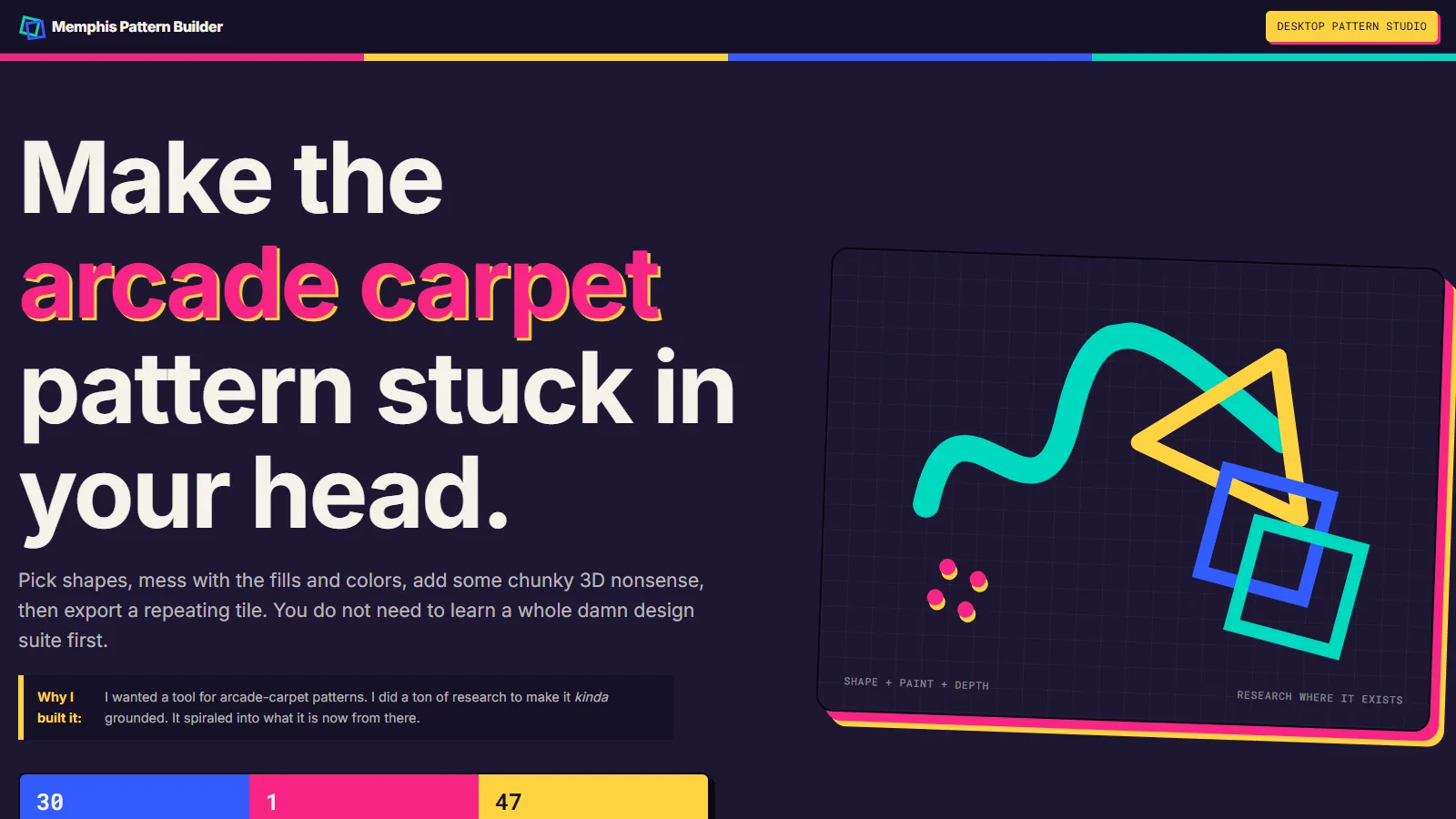
I wanted the carpet pattern stuck in my head.
Memphis was a design group in Milan in the early 1980s: squiggles, confetti, clashing laminate, colors that should not work together and do. Arcade and bowling-alley carpet from the 80s and 90s has the same energy. I wanted a tool that makes that kind of pattern without learning a design suite first, for “friends, colleagues and other weirdos who like arcade carpet patterns from the 80s/90s.”
The first plan was bigger and stricter. I planned it in one ChatGPT conversation, then handed it to Codex with a note: “Let’s make this project something I become known for.” The working title was the Memphis Pattern Lexicon, a free, picture-first reference that explains the shapes, how they combine, and where each claim comes from.
That plan set rules the finished tool still follows, even after the reference library stopped being the point.
Four research reports, then source checks.
Before there was a generator, the first night went to research. Codex wrote three research prompts and Gemini Deep Research ran them: the historical record, the patterns of arcades, rinks and transit seats, and how pattern generators work. Claude ran a separate search for gaps. Then each source was checked, record by record, before it went into the project’s source list, which grew from 10 records to 46 that evening.
What the checking caught
Gemini’s first report proposed 27 sources. 12 made it in. Two were already on the list, and the rest were off topic, redundant or too weak for what they were cited for. Claude’s run said it looked at 413 sources. The report it handed over listed 15 that could be checked, and 7 of those were new and held up.
What it found
The best new fact: a Cooper Hewitt museum record gives one repeat of a Memphis textile as 79 centimeters high. The most useful surprise: arcade and roller-rink carpet and transit seat fabric get compared to Memphis a lot, but none of the sources showed a family tree. So the tool keeps them as a comparison and calls its palettes “period-inspired,” not historical.
Day two: it was remaking a famous textile.
The first pattern generator was running before midnight on July 18. It leaned hard on the best-documented source, Gabon, a Memphis textile by Nathalie Du Pasquier, and it made nested, compound shapes. The next morning I said what bugged me: “It looks like we’re trying to recreate Gabon, and that’s definitely not what we’re trying to do.” Gabon is a composed piece of art with its own careful geometry. Scattering shapes cannot honestly reproduce it, and it should not try.


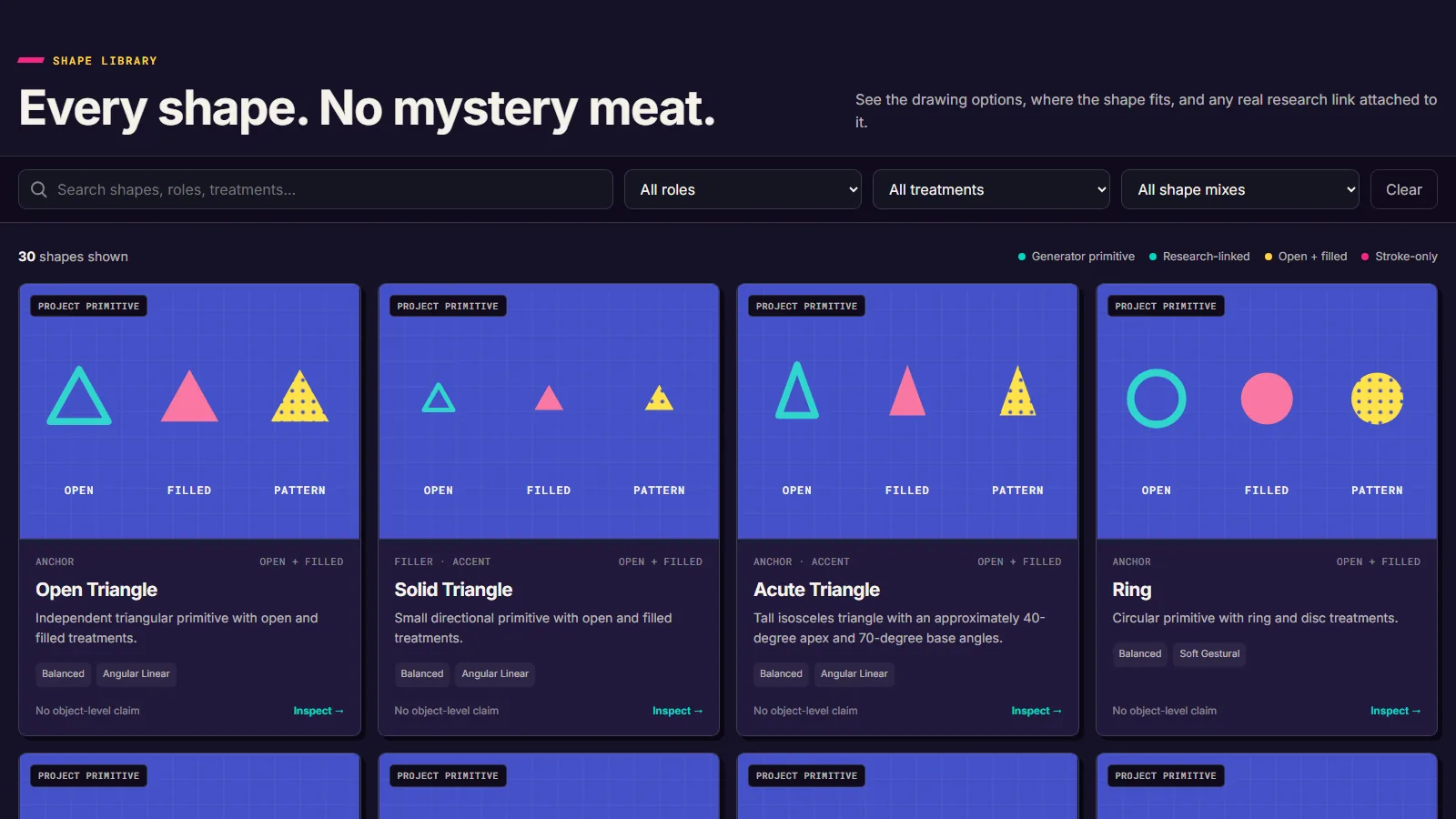
So the target changed to single shapes scattered across a surface. The lesson went into the project notes: a research object is not automatically something to generate. By that evening there were 30 shapes and 17 palettes. Layout and color run on separate seeds (a seed is just a number that fixes the random choices), so swapping a palette keeps the layout you liked.
The palettes were the other half of that day. Studies of real objects gave good ones, but I wanted more: “this isn’t purely academic,” and plenty of places that used this style never got cataloged. So the builder got period-inspired palettes beside the source-derived ones, each labeled for what it is. One of them, Video Store Electric, became the default for the whole app.
“Ok NOW we are cooking. This is EXACTLY what I wanted.”
Me, July 19, about the pivot
I couldn’t say what I wanted. I could say what it wasn’t.
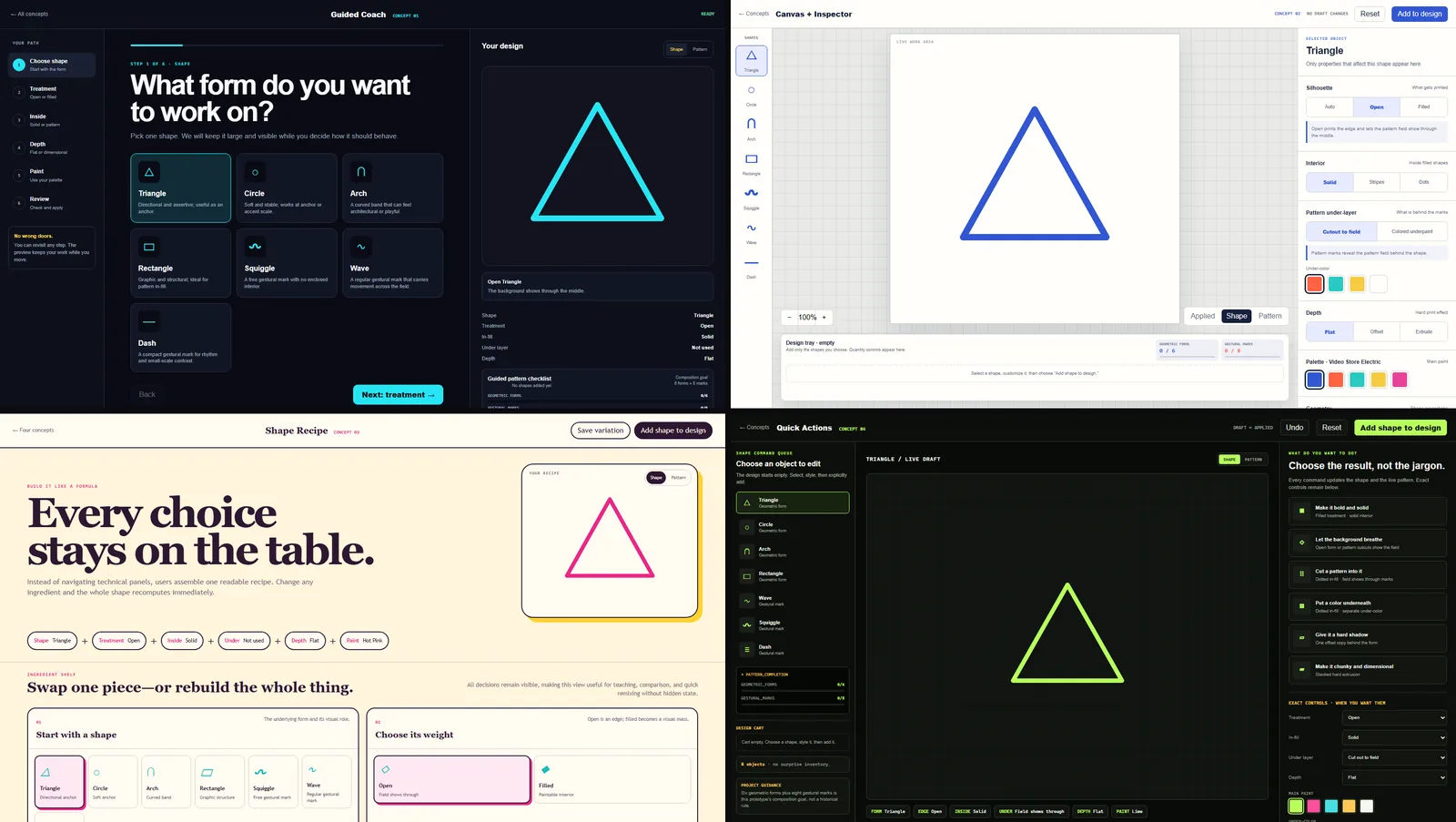
The shapes and colors were right. Using them was not. My messages that night: “not super enjoyable or easy for even me to use,” and “leaving them an open color picker feels mean.” Two days later I asked for something specific: “I can’t tell you what I want, but I can tell you this isn’t quite it.” Four complete interface prototypes came back, each a different way to build one shape and add it to the pattern.
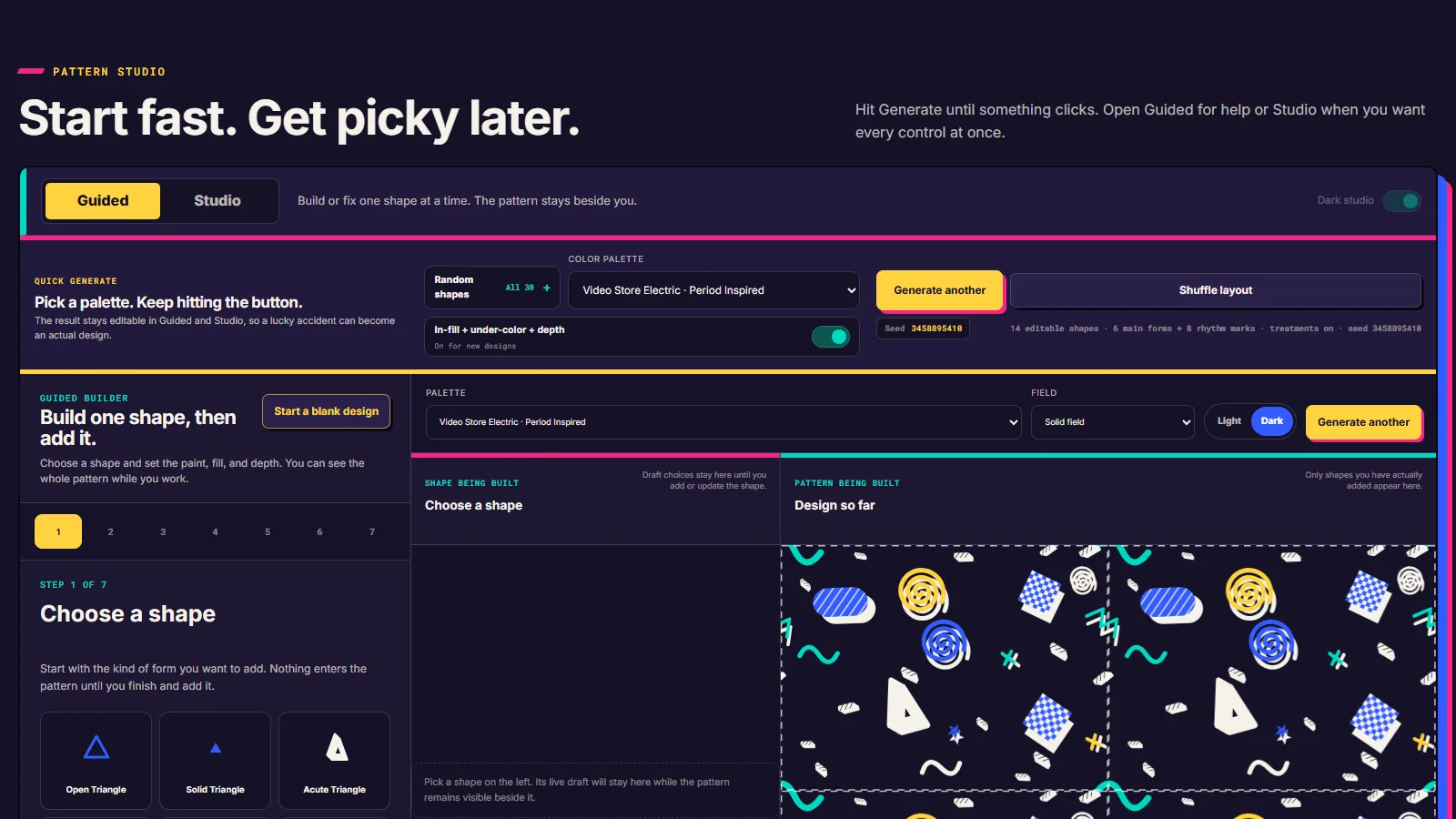
Start fast. Get picky later.
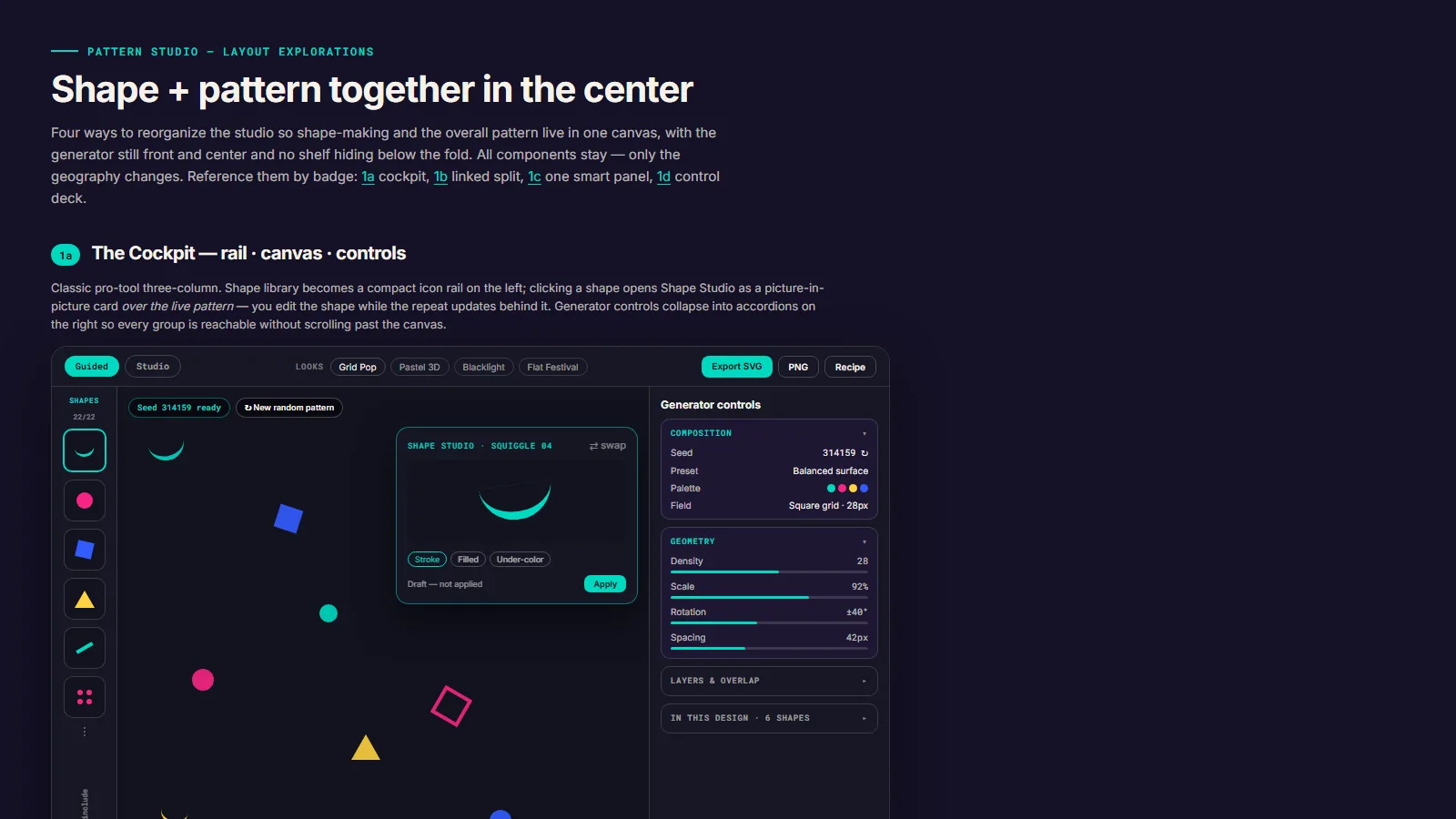
One more change before launch put a random generator at the front door: “some people wanna click a color palette and hit refresh a bunch, which is fine too.” Whatever comes out stays editable in Guided and Studio, so a lucky accident can become an actual design.
It is a desktop tool on purpose. In my words: “this is not a mobile tool lol.” I did not want to spend build time on a phone layout.
From the screen to a cut file.
In September I wanted these patterns on real things: decals, and eventually a whole wall. “I am also going to be doing an accent wall of Memphis, so I will be printing some of these real big in the coming months.” A screen tile is the wrong file for that. It repeats forever, it has a background, and its stripes and dots are drawing tricks a cutting machine cannot read.
The Cricut export (Cricut makes home cutting machines for vinyl) makes one composition at a real size in inches. It drops the background and the repeat copies, turns every shape, stripe and dot into a closed outline the blade can follow, and groups the pieces by vinyl color. Marks that match the background become holes instead of extra vinyl.
It warns about pieces wider than a common 12-inch mat and about strokes thinner than the minimum you set. It does not split oversized pieces or catch every tiny sliver, so a preview and a small test cut still matter. I asked for it with “Use the team, do it right,” so it was built with TeamLoop helpers, and 12 automated tests check the file and the export screen.
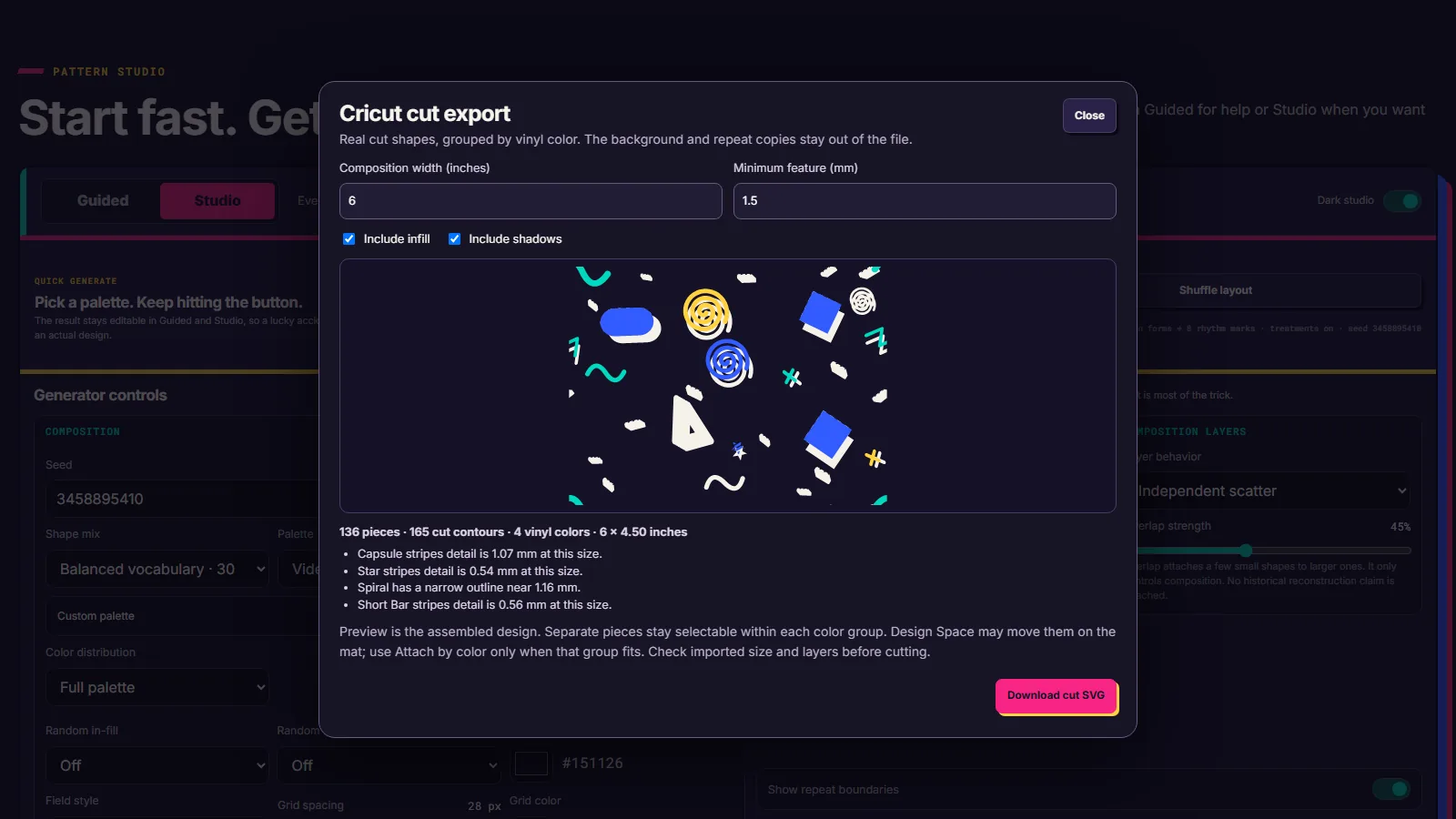
The carpet for a room that does not exist yet.

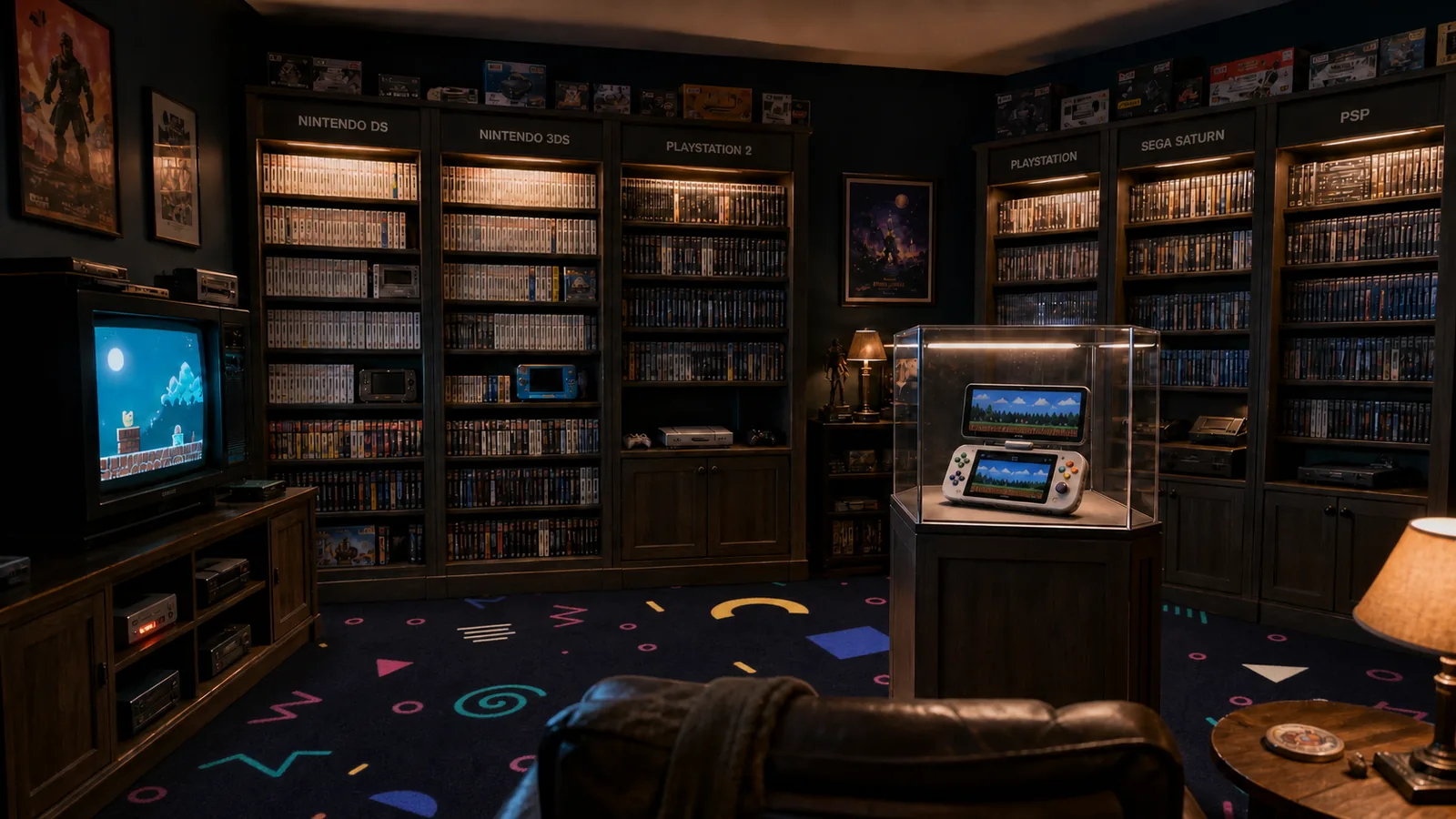
One week to launch. Back in September for cut files.
- Cricut cut files.
Real-size cut files grouped by vinyl color. The first 6-inch file came out that morning.
- A carpet for the game room.
A “Use seed” button in Studio, four carpet candidates exported, and one of them laid into the game room concept that night.
- Launched.
Copy rewritten to sound like me, gradients gone, then live before noon. That afternoon: seed numbers on every pattern, plus desktop and phone wallpaper exports.
- Random goes first.
The generator became the front door. A whole “making notes” section was cut.
- Merged, then rescued.
Guided and Studio joined into one design in the morning. That evening I brought four layouts of my own, and both views were rebuilt.
- Four interfaces.
Four complete working prototypes. Two survived.
- The pivot.
Away from remaking Gabon, toward scattered single shapes. By night: 30 shapes, 17 palettes and the first full shape studio.
- Research night.
Kickoff and a first specimen page (“I literally clapped when I saw that first part of the page”), then four research reports checked, 46 sources kept, and a first pattern workbench before midnight.
What got cut on the way.
- The Gabon-style generator. Kept as an appendix for a few days, then removed from view.
- Four art-style shapes. A zigzag column, a cloud void, a radial burst and a dash spray looked too tied to particular artworks, so they came out of the scatter generator.
- Two of the four interfaces. Guided Coach and Quick Actions stepped aside.
- Phones and gradients. Desktop only, flat colors only.
A cut file is not a cut.
Checked so far
The research audits record which sources were accepted, deferred or rejected, and why. A data check script validates the shape, palette and source records. The Cricut export has 12 automated tests covering the cut geometry and the export screen. My own exported files trace the whole arc, from the July 18 compound shapes to the September cut file.
Not proven yet
I have not verified a Cricut Design Space import or a physical cut. The previews and tests check the file, not how vinyl, blade and mat behave. Era palettes are screen approximations, not measured color. The accent wall is a plan, not a photo.
About the pictures and quotes. The screenshots come from the live app and its prototypes. The patterns are files I exported myself on the dates shown. The game room is an AI-made concept image, not a photograph of a real room. Quotes are my own messages to the AI agents, with spelling and capitals tidied.
Record assembled from the project brief, research audits, specimen notes, interface prototypes, the Codex build conversations from July 18 to 25 and September 26, and my own exported files. Built by Mark Salisbury with AI collaborators: ChatGPT for the kickoff plan, Gemini and Claude for research, Claude for my layout mockups, Codex for the build, the source checks, the Cricut export and the game room image. Claude assembled this record, and two outside reviewers checked it through TeamLoop.