Mark J. SalisburyMJS-OM-2026 · Sheet 01
Just show me the cool stuff
Sheet 01 · Equipment list

Built, tested, public.

I am an operator who builds with AI agents. Getting a model to produce something is the easy part. I care whether the thing works and how I know. Every sheet below answers both.

Personal builds · July to October 2026

The kitchen table, the town hall, the basement and the craft table.

Four things I wanted badly enough to build with AI agents. Each one asked for a different set of skills. Each has a full build record: the choices, the dead ends and the checks behind it.

Home · BuryBoard + BerryLive at home
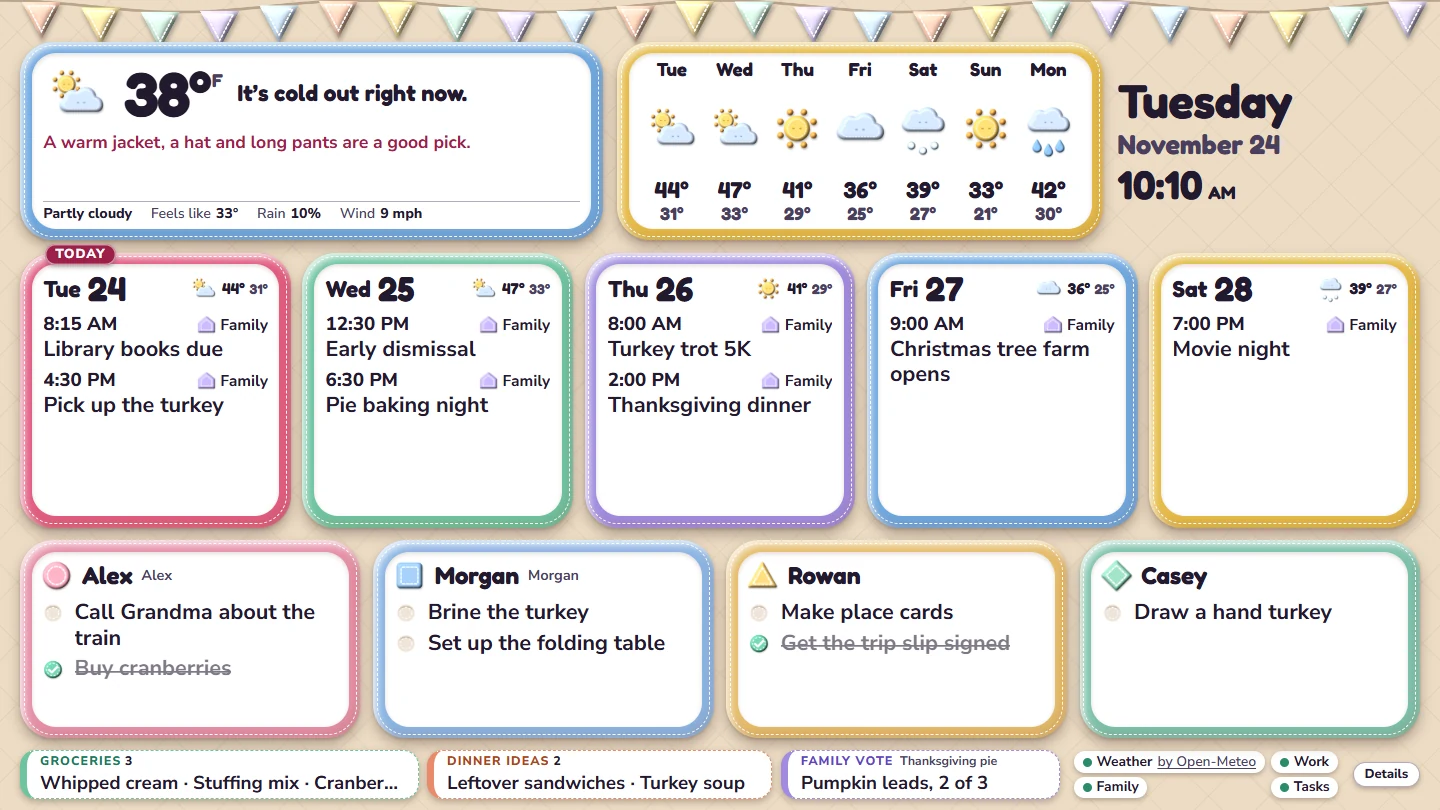
The Pillow Fort dashboard design, shown with fictional demonstration content.

A family dashboard, and a strawberry with a job

Five design finalists became Pillow Fort by day and Lantern Lane by night, with eight holiday styles. Berry, on a spare phone, takes voice requests and never saves a change without a yes.

  • Runs onMini PC, spare TV, old Pixel
  • Built withReact, TypeScript, Firefox kiosk
Civic · Town FamiliarPrivate app
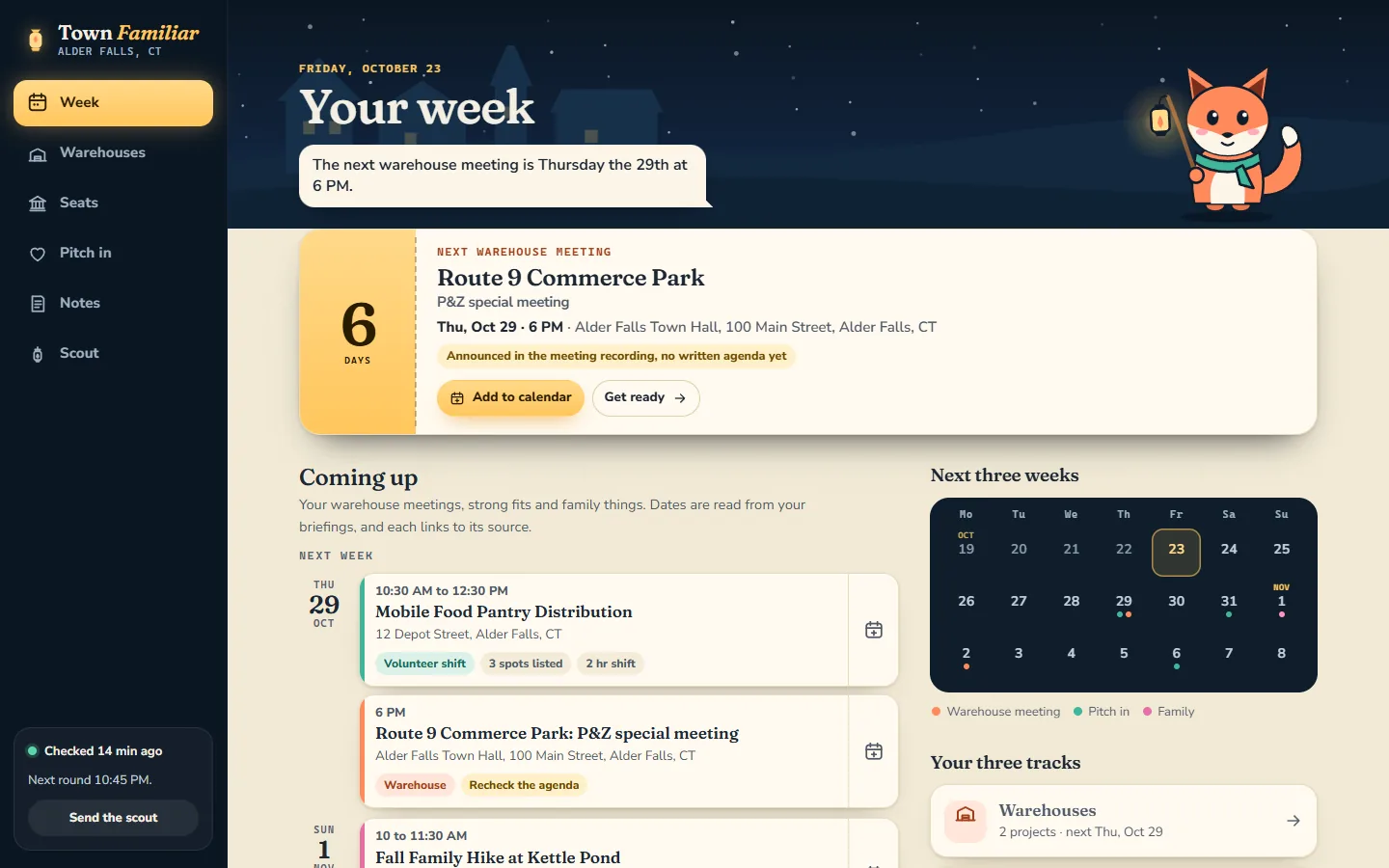
Town Familiar's Week page with a lantern-carrying fox and a countdown to the next meeting, shown with a made-up town.

A lookout that reads the town so I can show up

Killingly’s board pages, meeting packets and volunteer listings, checked every hour and boiled down to one countdown, one phone call and a short list of shifts. No AI model runs when it checks.

  • Runs onHome PC, small hosted app
  • ReadsWeb pages, PDFs, OCR, recordings
Music · Basement KaraokeIn progress
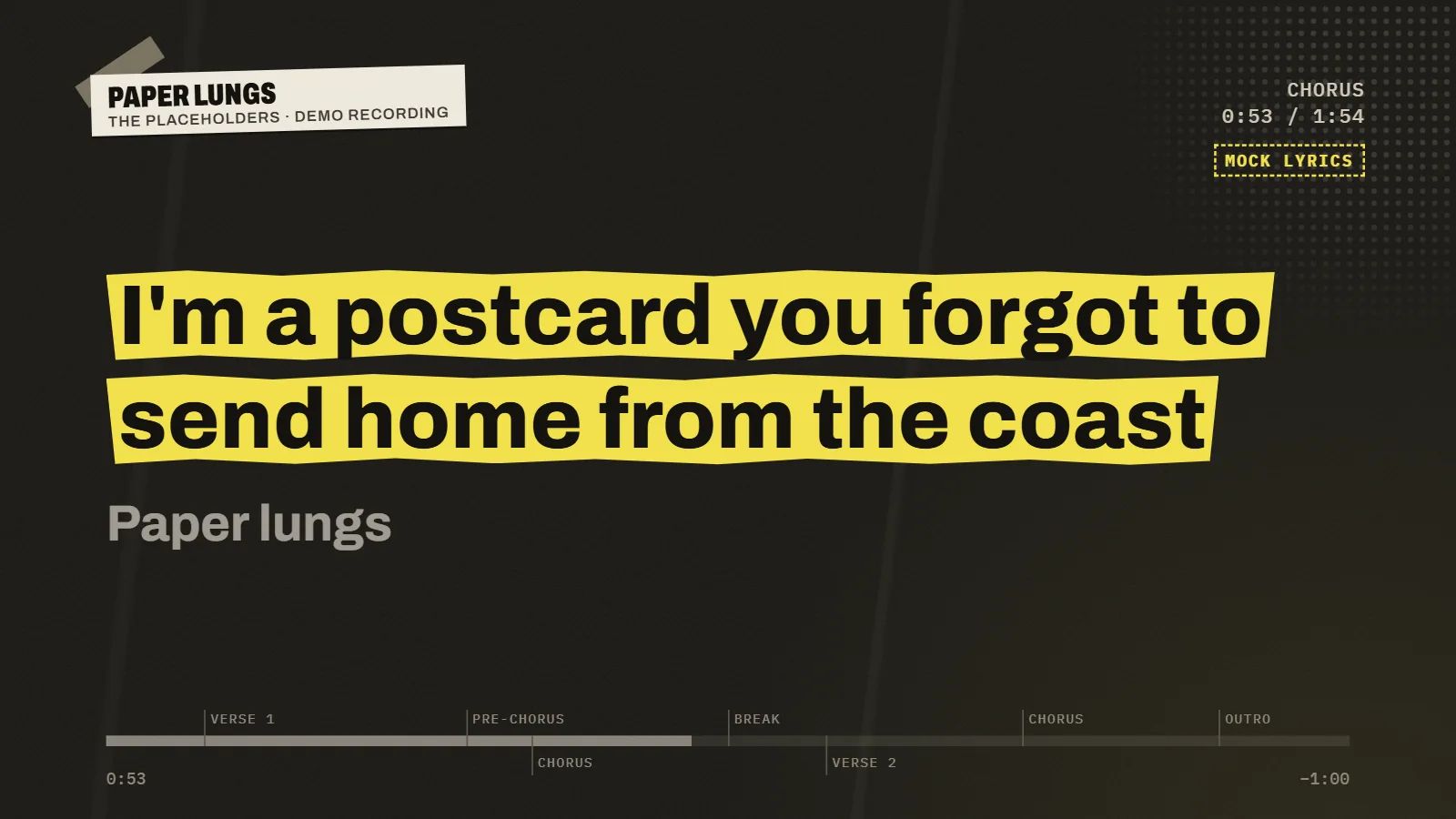
The Basement Karaoke singing screen: a lyric in black on a torn yellow strip, shown with a made-up band.

Any song I own, minus the singer

Strips the vocals on my laptop, finds timed lyrics and puts them on the TV like a show flyer. Built in public: the build log grows as it ships.

  • Runs onOne laptop, no gaming GPU
  • Built withPython, open-source separator, Web Audio
Design · Memphis Pattern BuilderLive, free
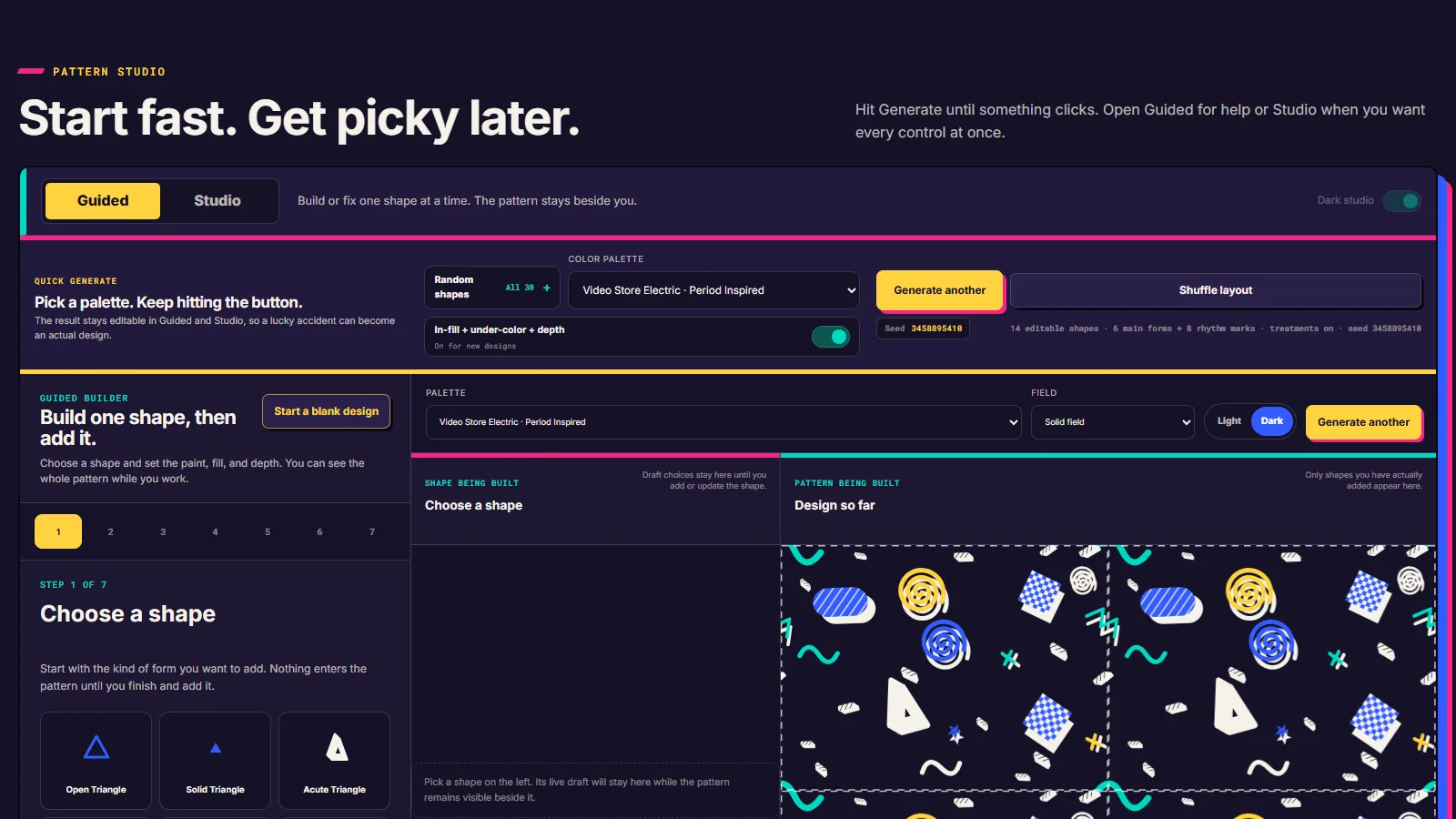
Memphis Pattern Builder in Guided mode: a step-by-step shape builder beside a live repeating pattern on a dark field.

A pattern studio that started as research

Four research reports, a pivot on day two and four interface prototypes later: a free tool that makes original patterns inspired by 80s arcade carpet, as tiles, wallpapers and Cricut cut files.

  • Runs onA desktop browser, no account
  • Built withHTML, SVG, seeded geometry, polygon clipping
Range · One sheet

What the builds asked for.

Different jobs, different skills. This is where each one showed up. I direct AI agents through the builds and check the work myself, so read it as what each job demanded and what I had to get right, not as a claim that I typed every line.

The skillBuryBoard & BerryTown FamiliarBasement KaraokeMemphis Pattern BuilderTeamLoop25 websites
Interface and visual designFive finalists, eight holiday stylesRebuilt around four goalsThree singing screens, one pickFour interface prototypes, then my own layout ideasNot neededShaders, glass, 3D, motion
Reading messy sourcesCalendar and weather feedsTown pages, PDFs, OCRSynced lyrics, matched by lengthMuseum records, four research reports, each source checkedNot neededNot needed
Audio and voiceVoice requests, read back aloudMeeting recordings, to the minuteVocal separation on a laptopNot neededNot neededA synth you patch by hand
Privacy and safe boundariesNothing saves without a yesPassphrase, private notes, offline wipeLocal only, nothing uploadedDraws its own shapes; nothing traced from a real patternBounded runs, no paid fallbackNot needed
Hardware and always-on servicesMini PC kiosk, spare PixelScheduled tasks on a home PCOne laptop, one job at a timeCut files for a home cutting machineNot neededNot needed
Tests you can rerunEdge and Firefox checks each release163 browser checks, two browsers80 interface checks12 cut-file tests, data checks67 tests at releaseScreenshot and frame-rate checks
Directing AI agentsDesigns in Claude, builds in CodexA design bake-off, an outside reviewPipeline and interface splitGemini and Claude research, Codex checks itThe toolkit for exactly thisParallel builders, one kit
ShippedOn the kitchen tableHosted, installs on a phonePrototype, log growingLive, free, no signupPublic on GitHubLive, linked from this site

A hatched cell (on a phone, a missing name) means that build did not need it. The column headings link to each record.

Open source · Apache 2.0 · Public preview

TeamLoop

A local toolkit for running several AI subscriptions as one small, accountable team from a single conversation. The lead does the judgment. The runner does the plumbing. Nothing runs in the background.

The starting question was practical. How do I use the subscriptions I already pay for without becoming the human API between three chat windows?

TeamLoop helps the lead model decide when another model is worth involving, sends it a focused brief, preserves what happened, and verifies the useful parts before anything changes in the project. Some jobs need a different eye. Some need one local test and no additional model at all. The useful measure is whether the team helped finish the job better, not whether more models showed up in the transcript.

What is in the box

  • Router. Deterministic JavaScript plus your own roster. It suggests an eligible worker for each role. It can also suggest nobody.
  • Runner. Starts a bounded job with time and output caps. No silent retries. No automatic paid fallback.
  • Shared context. Hashed evidence packets, so every reviewer reads the same frozen files. Not a hidden shared brain.
  • Receipts. Attempts, outputs, timings, and failures, kept as local files.

What it does not claim

It is a public preview pulled out of my own working setup. It is not a universal model leaderboard, a new chat app, or a promise of token savings. The guardrails bound the runner. They are not a security sandbox, and the README says so in bold.

Field study · Updated September 12, 2026

The tests that built the team.

Before I let a model build, review, or investigate anything on my behalf, I wanted evidence about which one to trust with which job. So I ran the experiment and published all of it.

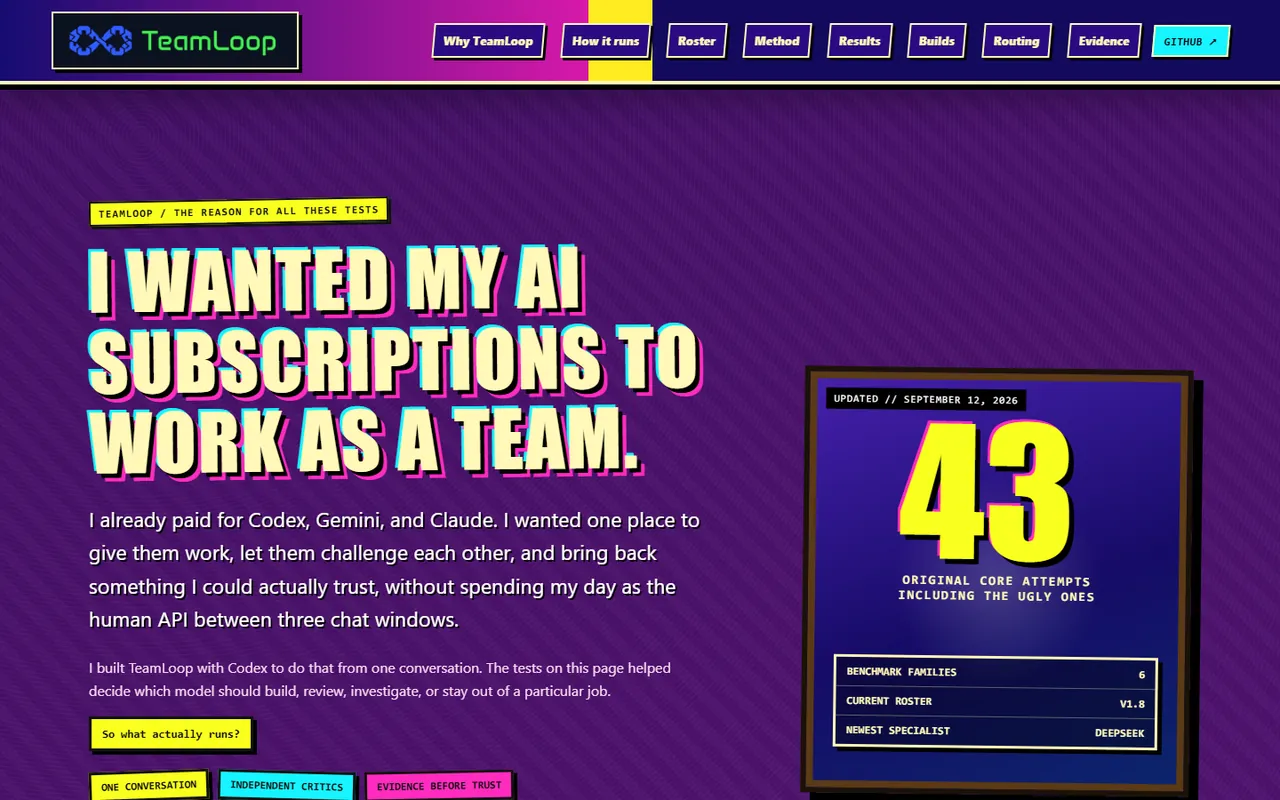
Field notes site with the headline 'I wanted my AI subscriptions to work as a team' and a scoreboard showing 43 original core attempts.
Sheet 1.2 · Applied AI field notesUgly ones included
43original core attempts across six benchmark families

Synthetic tasks, isolated runs, browser checks, blind scoring, and every failure I could preserve. It is one practitioner’s structured experiment. It is not a scientific benchmark, an employer evaluation, or a universal ranking, and the first screen of the site says that before anything else.

  • FindingThere was no king of the hill
  • FindingA gorgeous survivor can lie to you
  • FindingSometimes the harness ate the homework
  • RuleIf I didn’t click it, it didn’t count
Company · Founded 2024

StarForge Dynamics

The AI training and advisory company I founded. It helps teams use AI well and helps their technical people work out what comes next. It runs outside my day job, on its own hours, in its own market.

Sheet 1.3a · WebsiteIn service
StarForge Dynamics home page with the headline 'AI your team can actually use' and a neon woodcut illustration.

A site that runs its own demos

The StarForge site does not describe a workflow. It lets you run one, with sample data, in the page. The fine print under each demo says exactly what is and is not happening.

Sheet 1.3b · Research briefPublic
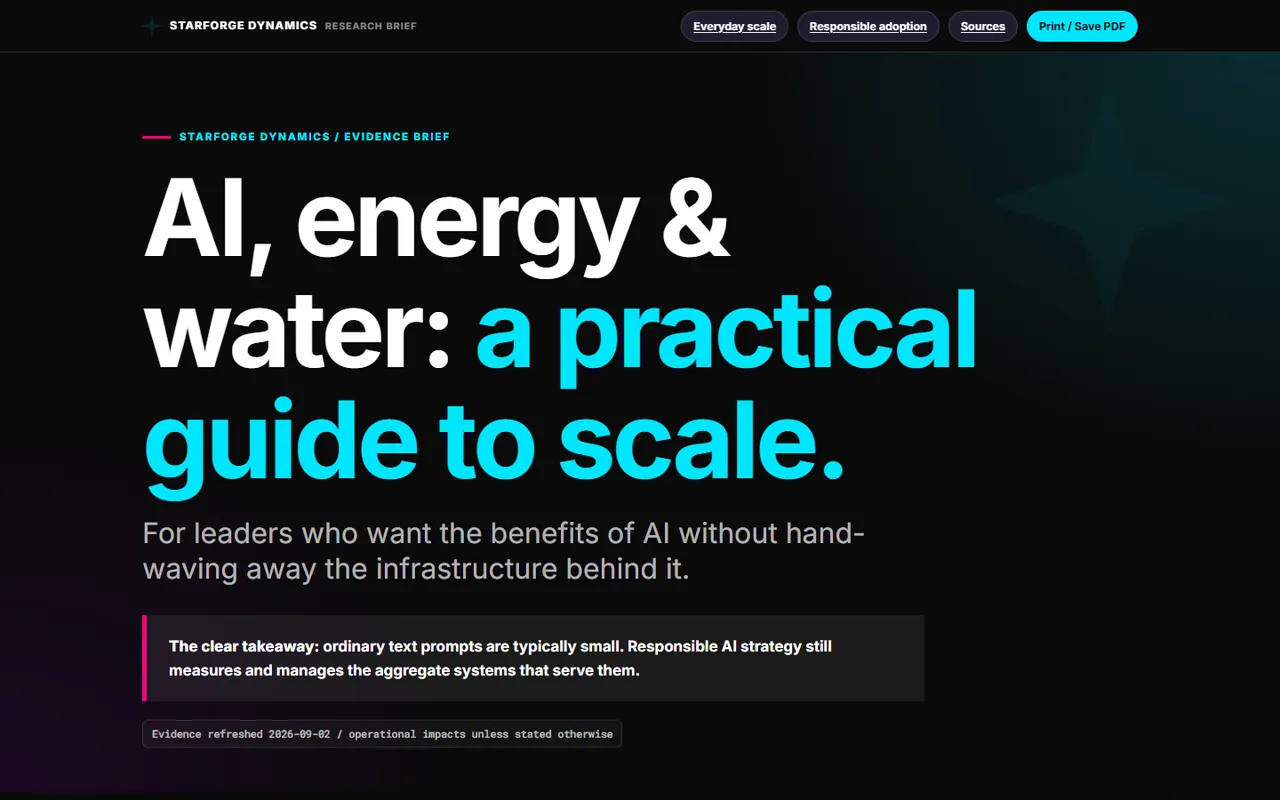
Evidence brief titled 'AI, energy and water: a practical guide to scale.'

AI, energy and water: a practical guide to scale

People in my workshops ask whether using AI is wrecking the planet. They deserve a sourced answer instead of a shrug, so I built an evidence brief with the research behind it.

  • FormatSingle-page brief plus research dossier

The StarForge Cook Book, 65 AI recipes, is on the tools shelf →

Teaching tools · Sample data only

Small tools that make one point each.

Each one is a single self-contained HTML file. No accounts, no connections to business systems, nothing saved. They exist so a room full of people can poke the idea instead of nodding at a slide. All three run right here.

Sheet 1.4aOpen here
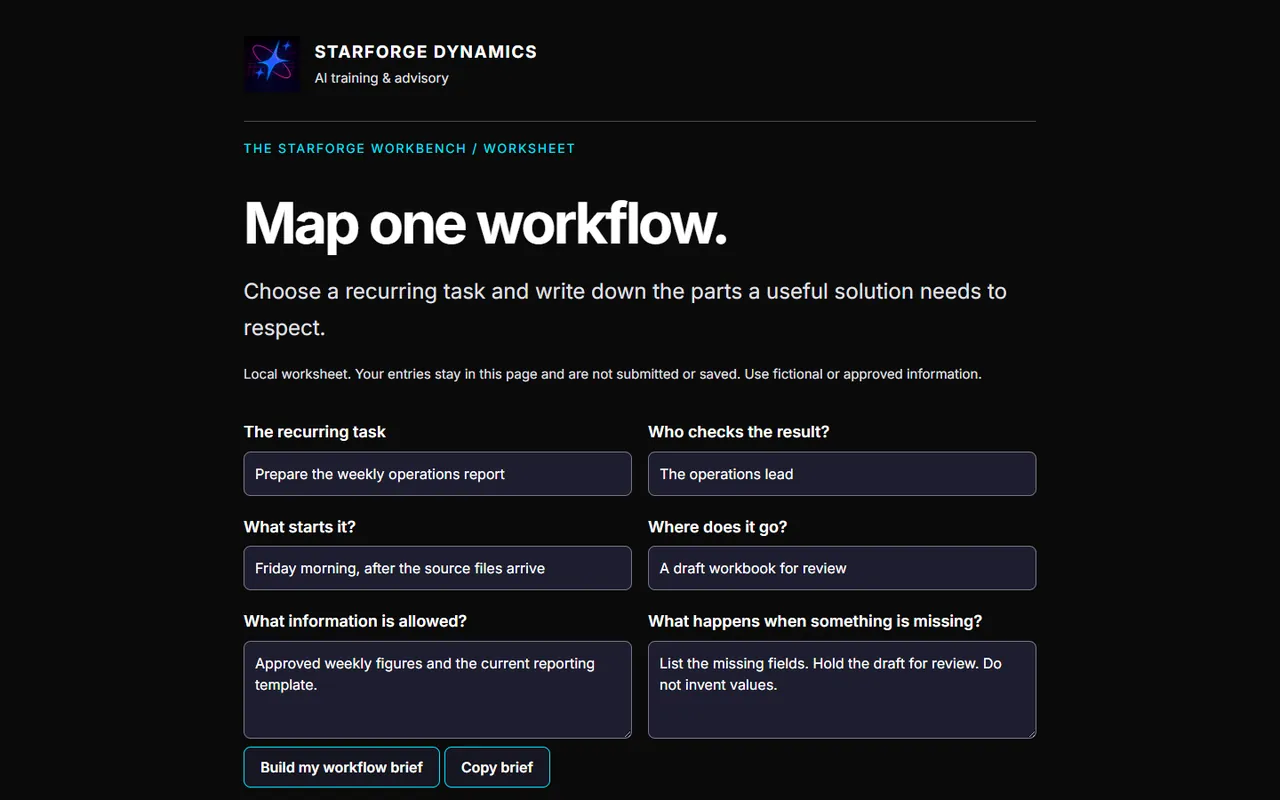
Workflow Map worksheet: 'Map one workflow' with fields for the recurring task, who checks the result, and what happens when something is missing.

Workflow Map

Write down one recurring task before choosing any tool. What starts it, who checks it, what information is allowed, and what happens when something is missing.

Sheet 1.4bOpen here
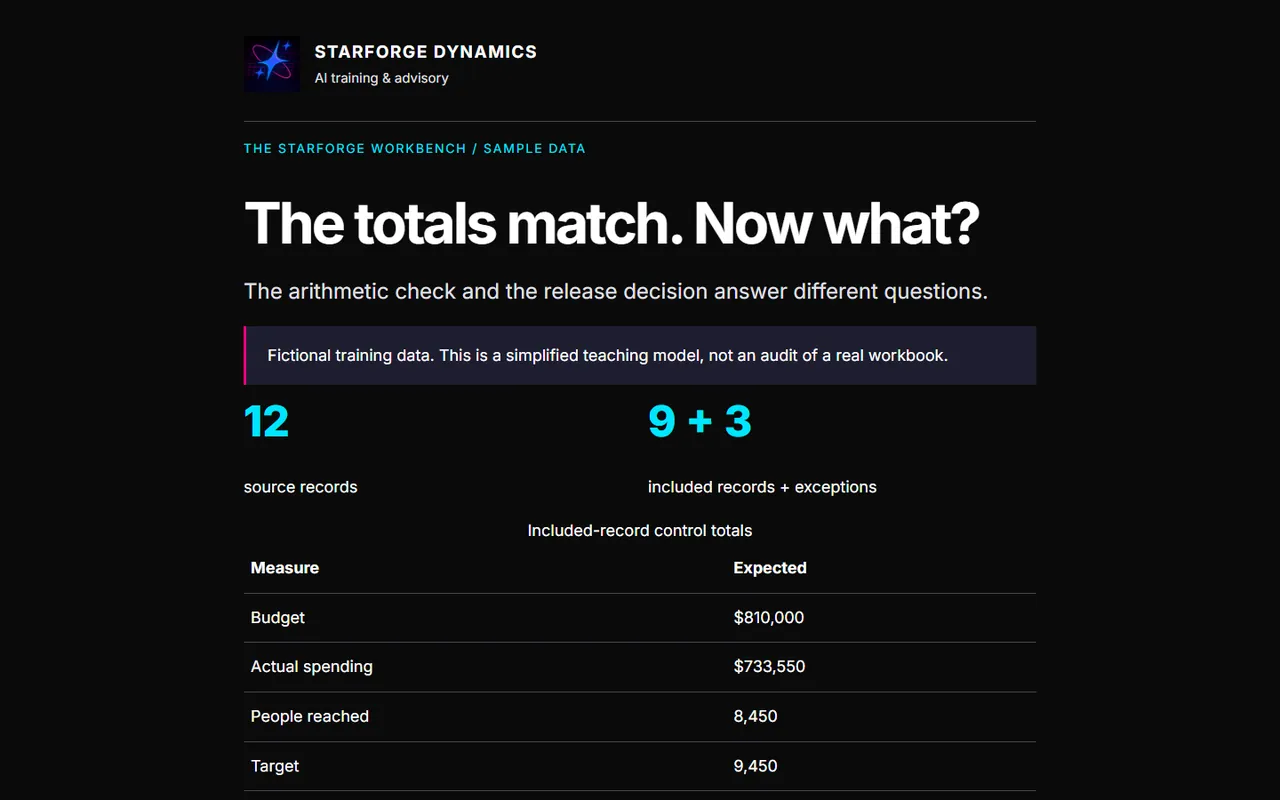
Reconciliation Lab: 'The totals match. Now what?' showing 12 source records, 9 included and 3 exceptions.

Reconciliation Lab

Twelve fictional records. Nine included, three exceptions. The arithmetic says PASS and the release decision says HOLD. Change the numbers and find out why both are right.

Sheet 1.4cOpen here
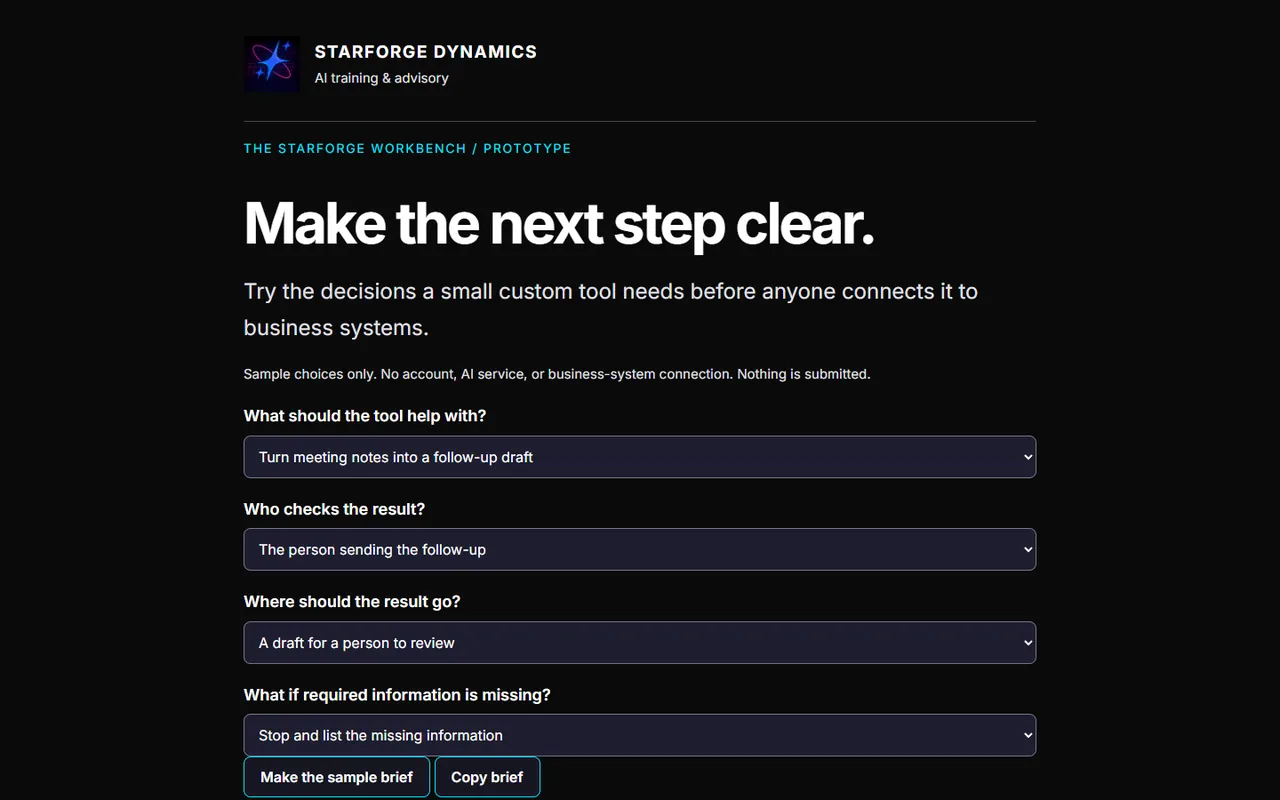
Brief Builder: 'Make the next step clear' with dropdowns for what the tool should help with, who checks the result, and where it goes.

Brief Builder

Answer four questions and get a build brief for a small custom tool. It forces the decisions that matter before anyone connects it to anything.

Off duty

The fun stuff has its own shelves.

Nobody assigns the games, the free tools, or the web design. I build them because I want them to exist. They live on their own pages.

Note

What is not on this page. Client work and anything from my day job. I do real work for real organizations, and none of their names, numbers, or screens belong on my personal site. If I cannot show it to you openly, I do not count it as proof.